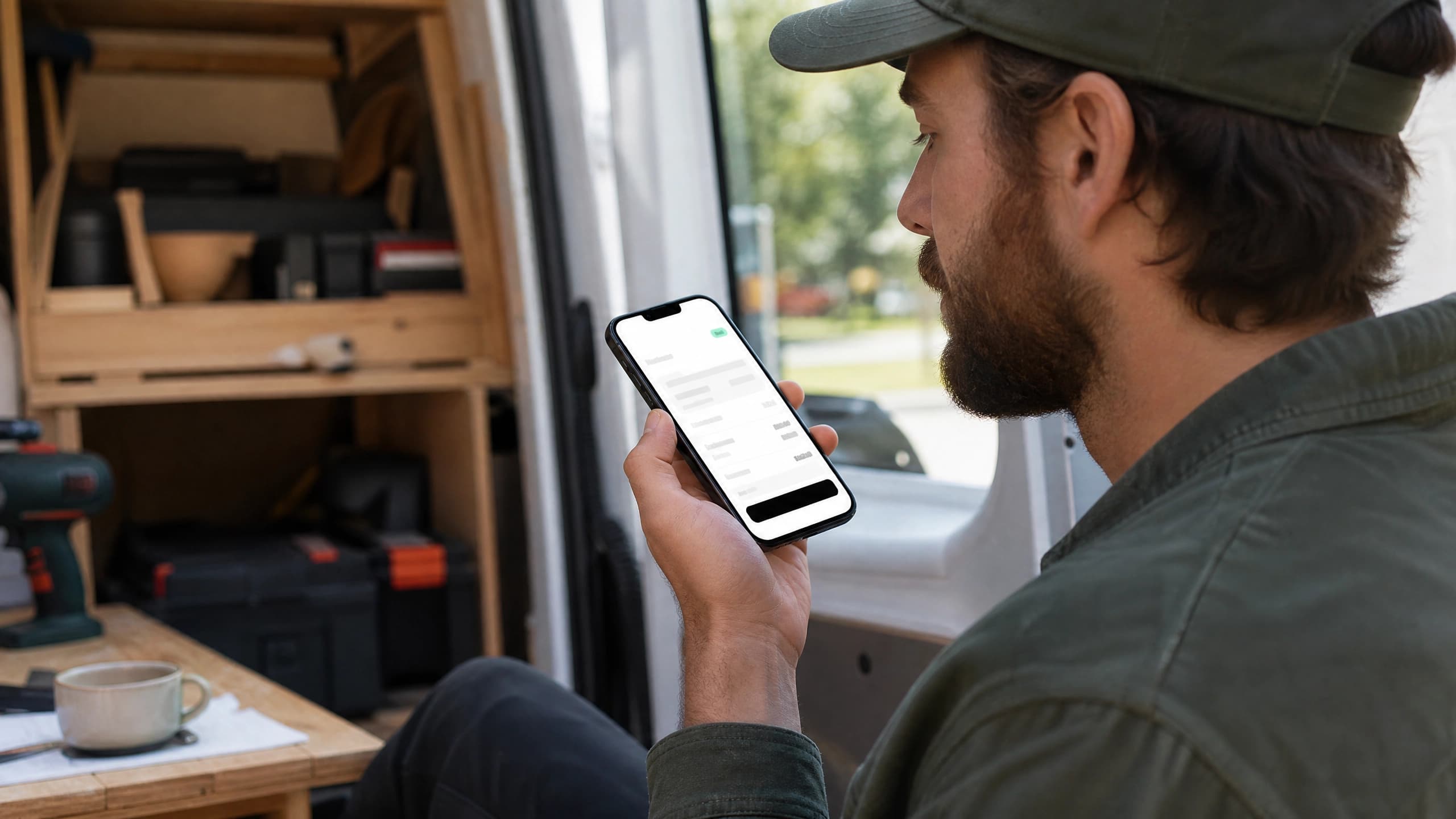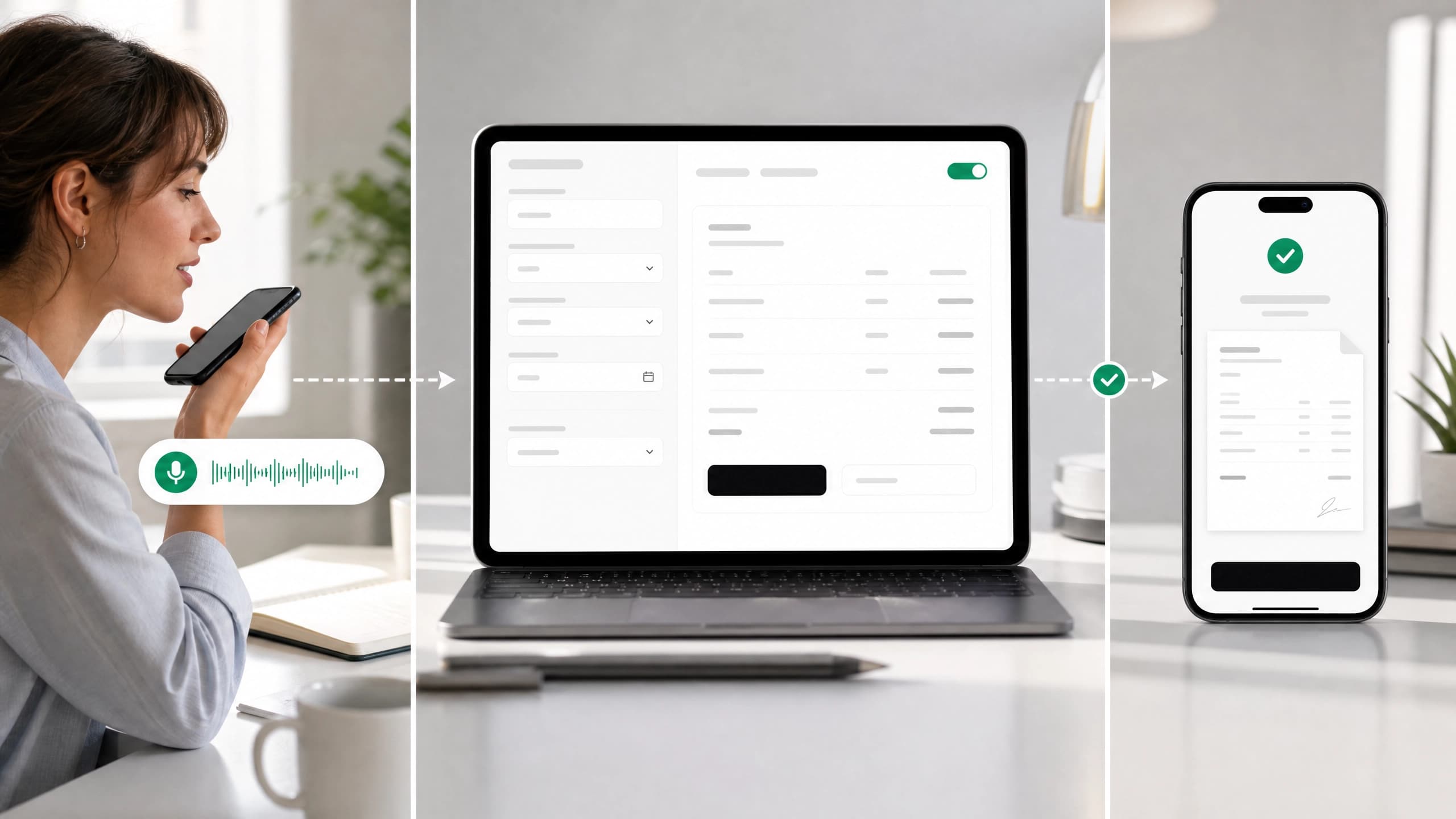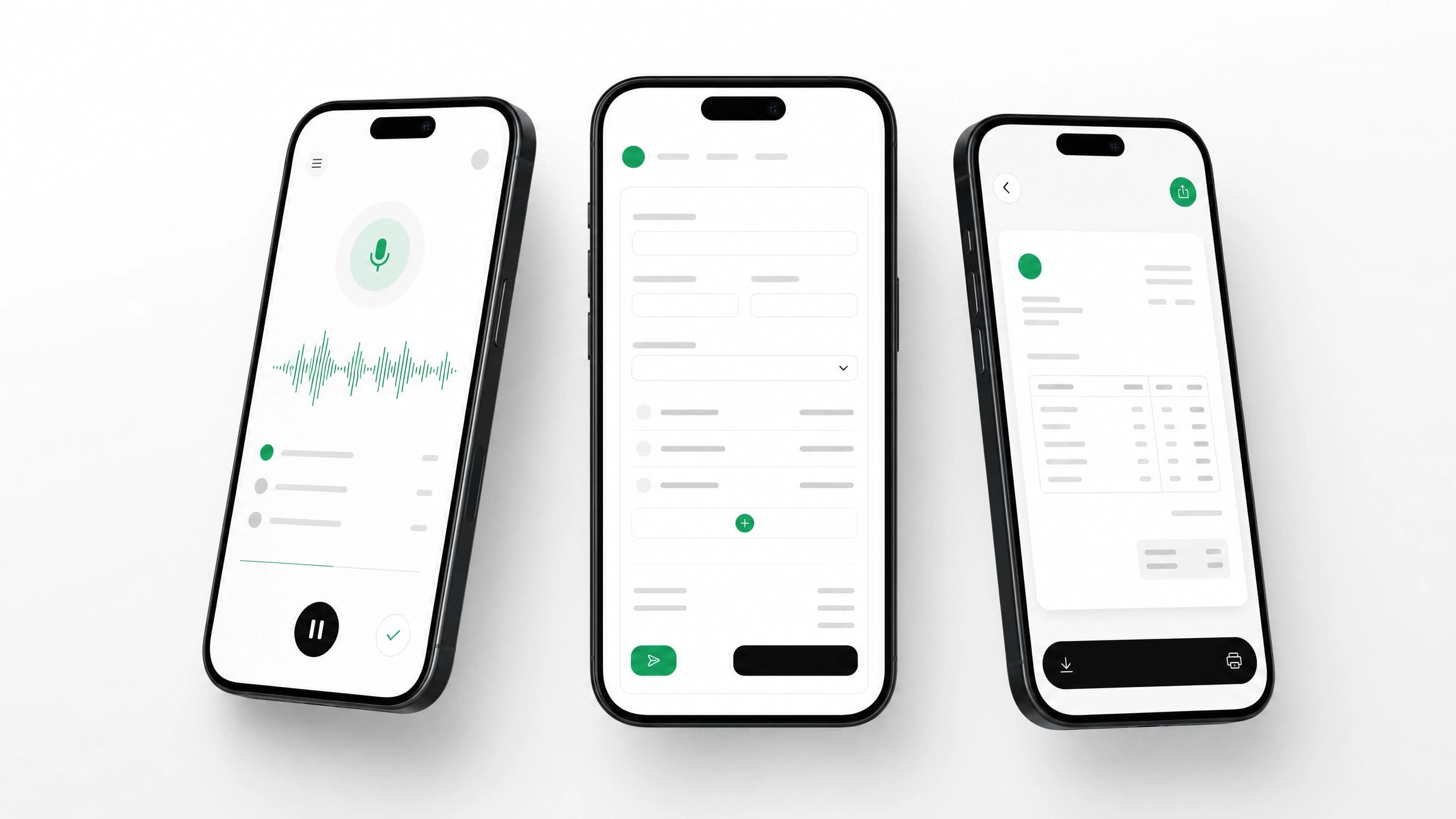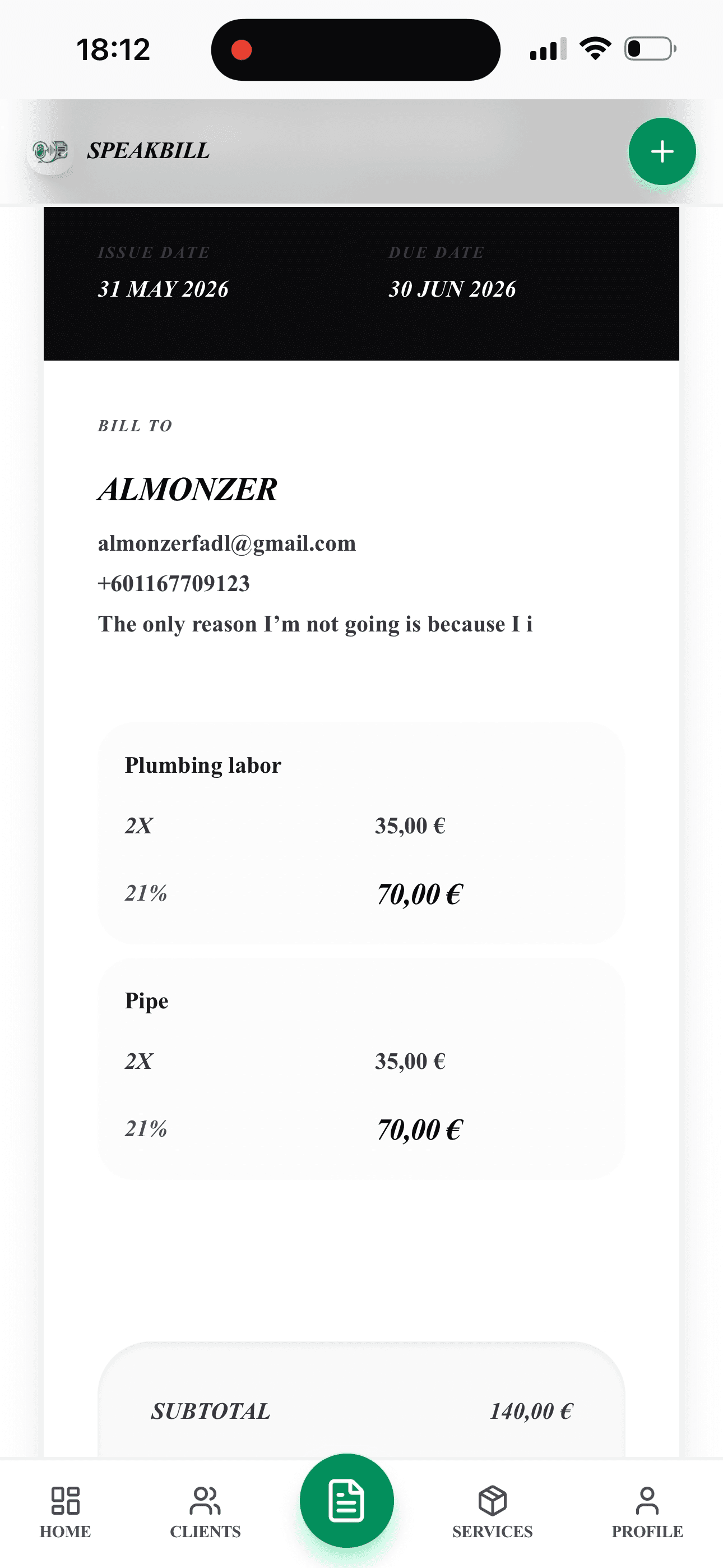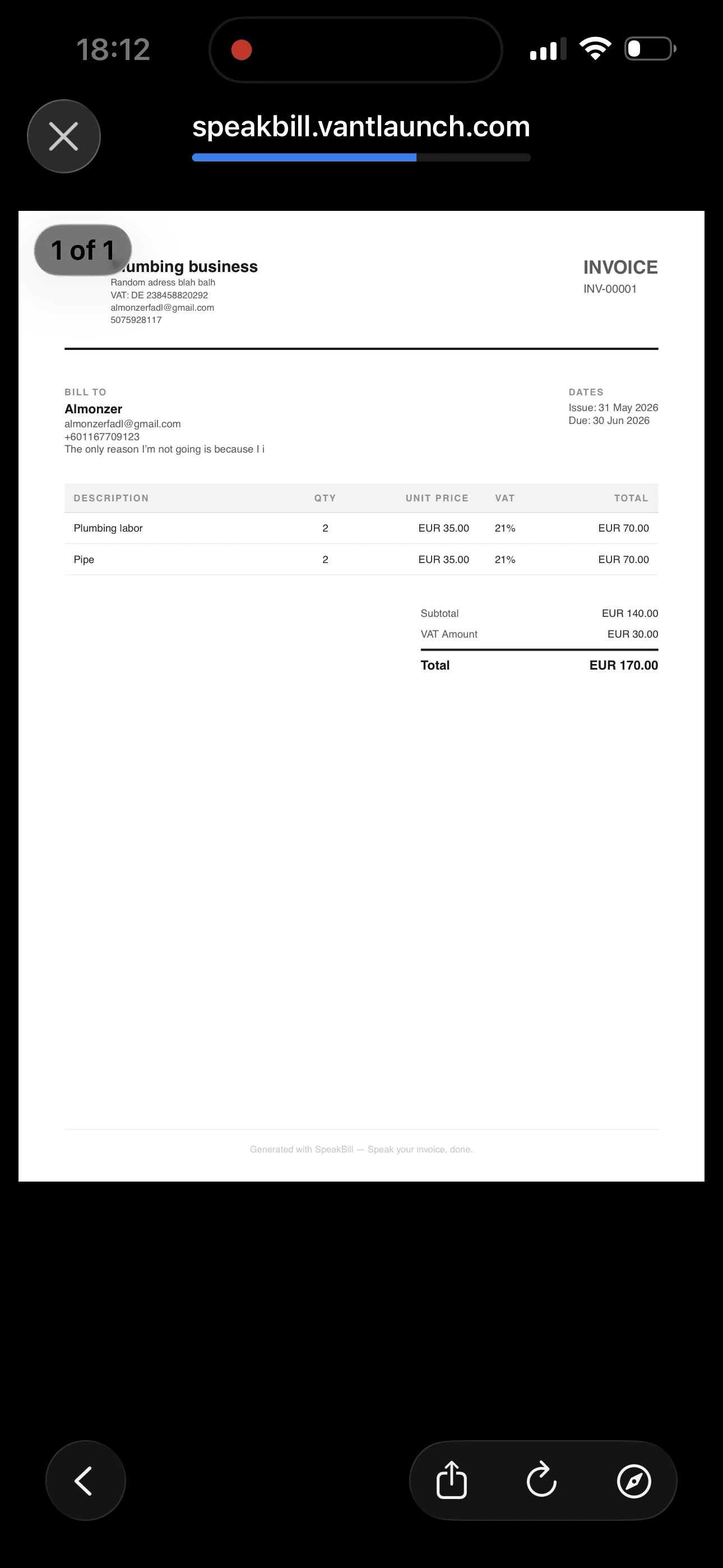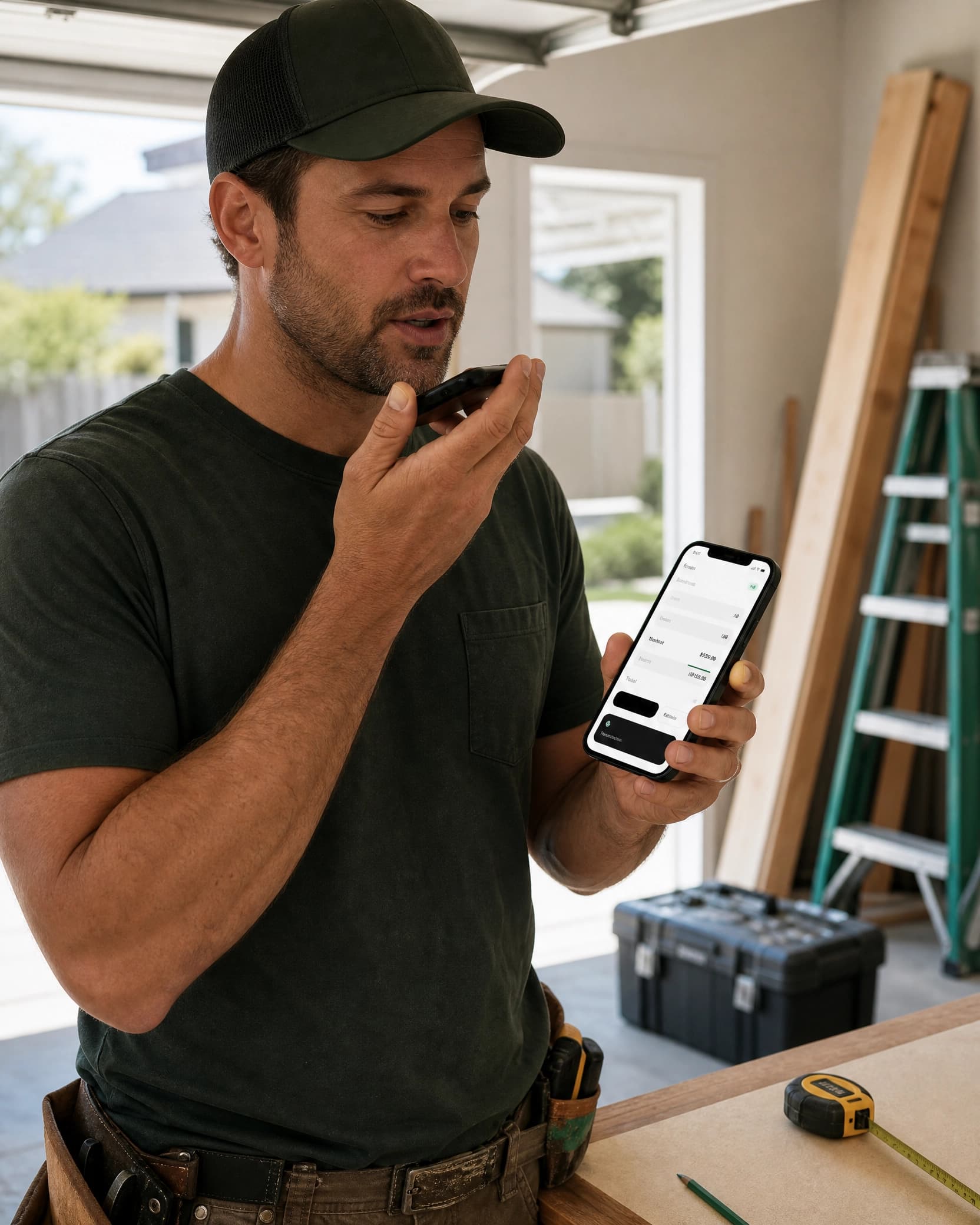
SpeakBill turns voice notes into editable PDF invoices for small businesses, freelancers, and anyone who works with clients.
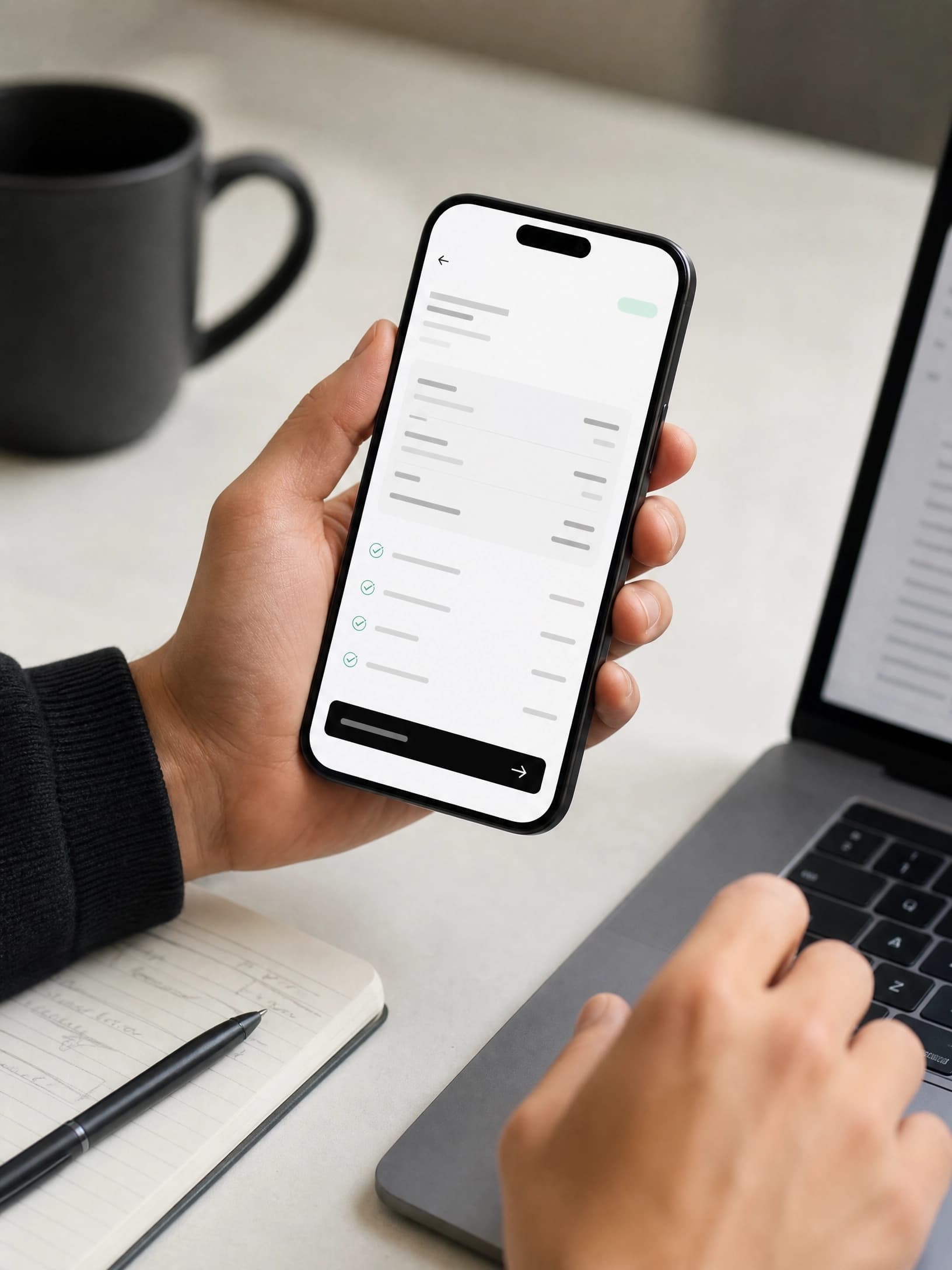
Invoice preview
Website updates
2 hours x $75.00
$150.00
Free no-save demo
3 free demos per session
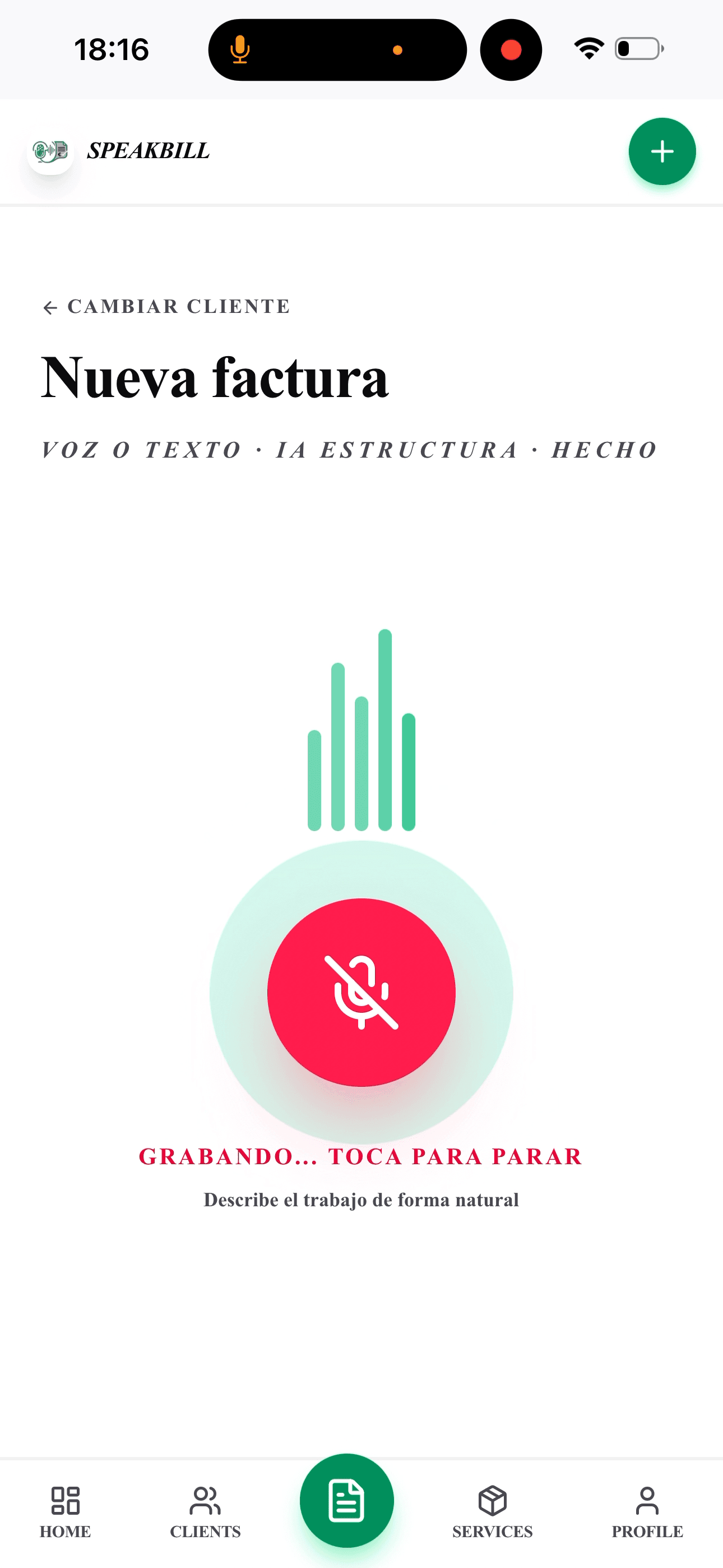
Say who the invoice is for, what you did, and what to charge. This demo creates an editable invoice preview only. Nothing is saved or sent.
Try saying this
Invoice Austin Coffee Co. for website updates, 2 hours at $75 an hour, with 8.25% tax.
Demo invoices are not saved, sent, or added to your account.
How it works
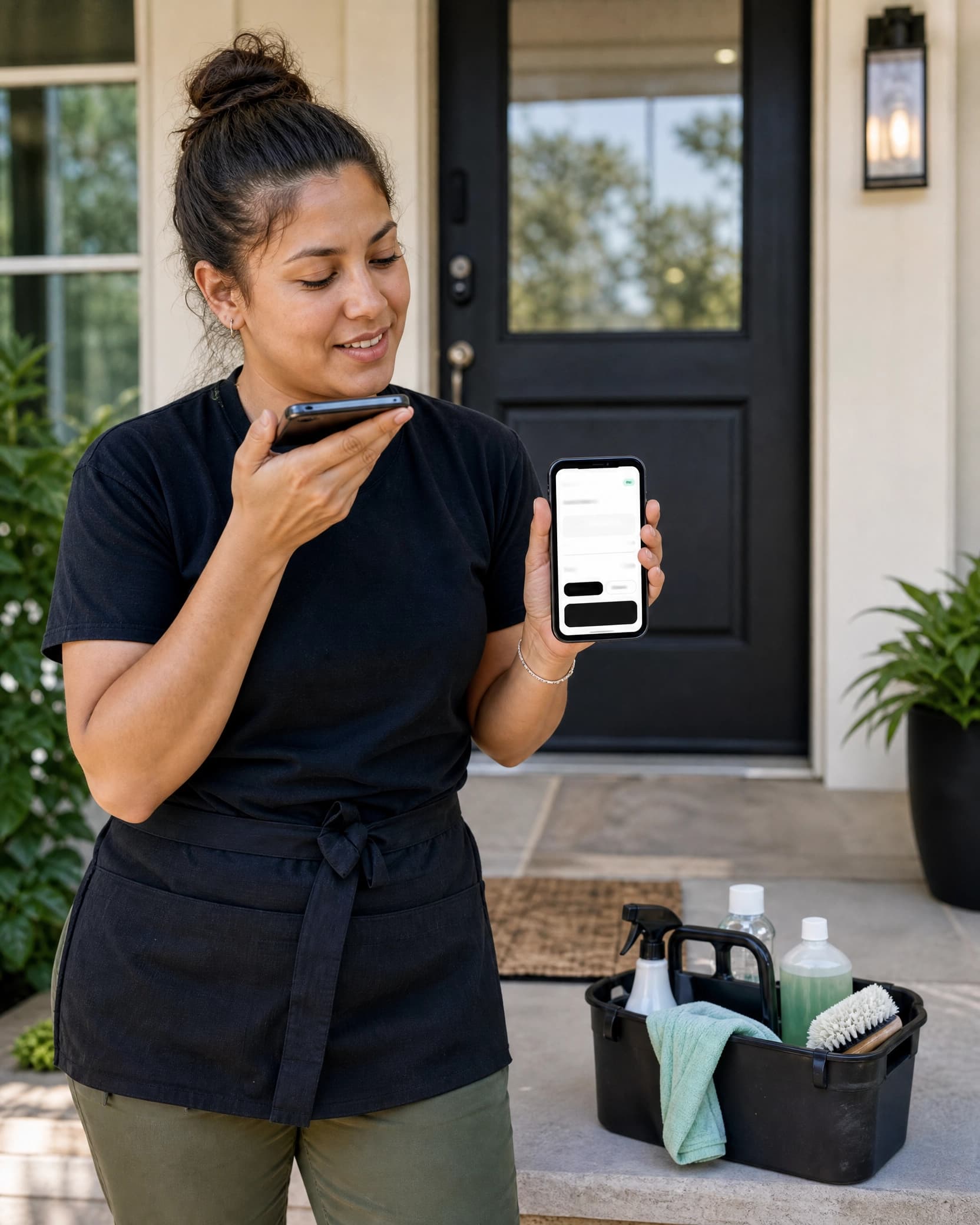
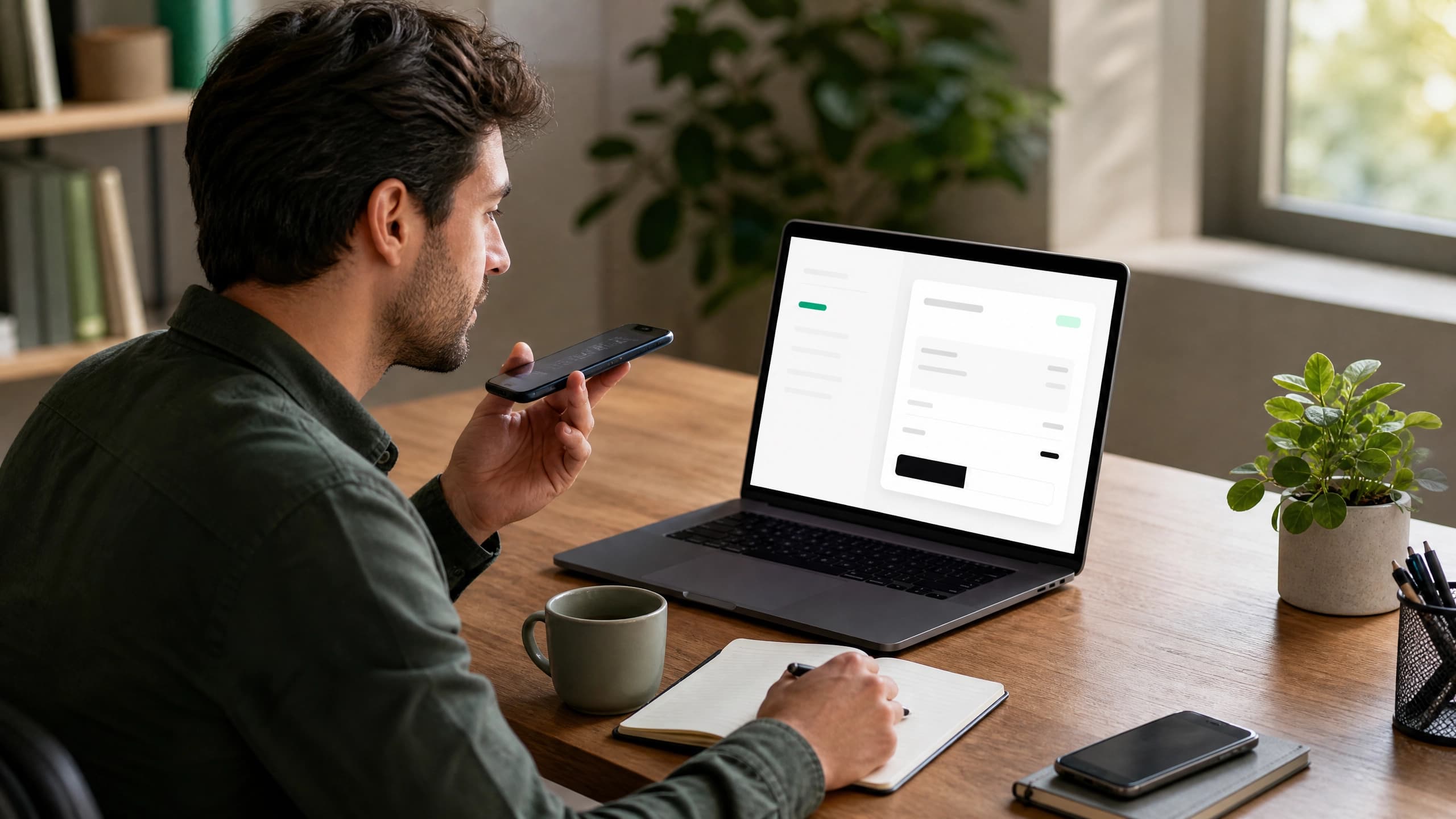
Tell SpeakBill who the invoice is for, what you did, and what to charge.
Edit the client, line items, sales tax, notes, and due date before anything is final.
Download, email, or share a clean invoice with your client.
USD by default, editable tax rates, and invoice language your clients recognize.
Broad product, focused ads
SpeakBill stays broad in the product, then marketing can focus on the businesses that feel invoice pain most often.
Pricing
All prices in USD. Cancel anytime.
Get started with no commitment.
For people who send invoices every month.
Trust & privacy
SpeakBill creates editable invoice drafts. You stay in control.
You review every invoice before it is created or sent.
Invoices are saved securely and ready to download as PDFs.
No surprise sending. No automatic billing. No hidden anything.
Loved by users
You review every invoice before it is created or sent. Your data is stored securely.
"I can make the invoice before I forget the details. That is the whole win."
Tony D.
"The tax rate is saved, the PDF looks clean, and I still review everything before sending."
Sarah M.
"It finally feels faster than writing notes and rebuilding an invoice later."
FAQ
Yes. Free includes 3 invoices per month with no credit card required.
You save your default tax rate and can edit tax on each invoice. SpeakBill does not provide tax advice.
Yes. SpeakBill creates clean PDF invoices you can download, email, or share.
Yes. The workflow is designed around voice input and mobile invoice review.
Start free, create 3 invoices every month, and upgrade only when invoicing becomes a regular part of your work.
Start freeCreate invoices while the work details are fresh, even away from a desk.
AI drafts the invoice, but you stay in control of every field.
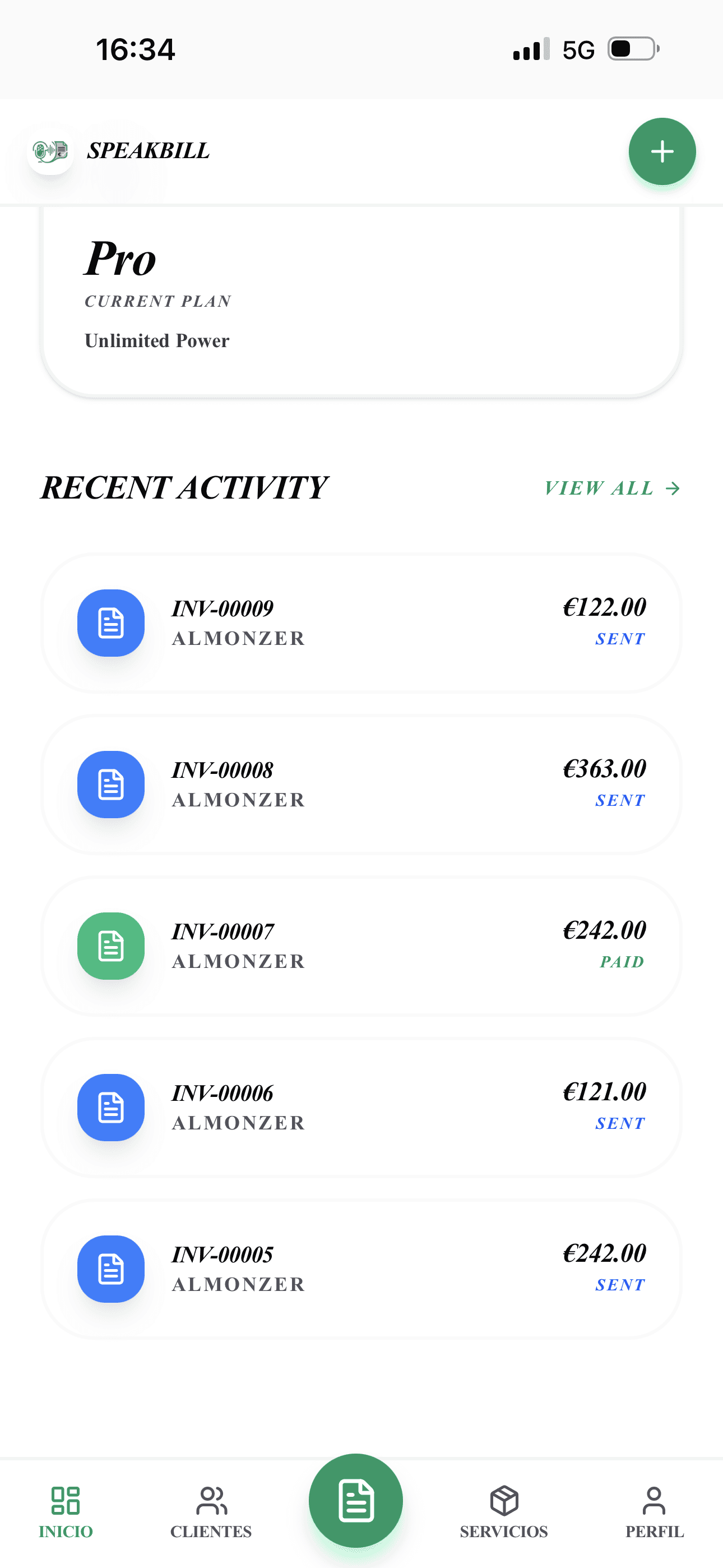
Keep clients, invoices, statuses, and PDFs organized in one place.
For busy businesses sending invoices often.
Elena R.