We use cookies to analyze site usage and improve your experience.
SpeakBill turns rough voice notes into editable PDF invoices for small businesses, freelancers, contractors, cleaners, and mobile services.
3
Free invoices/month
USD
Default currency
100%
Review control
Voice note captured
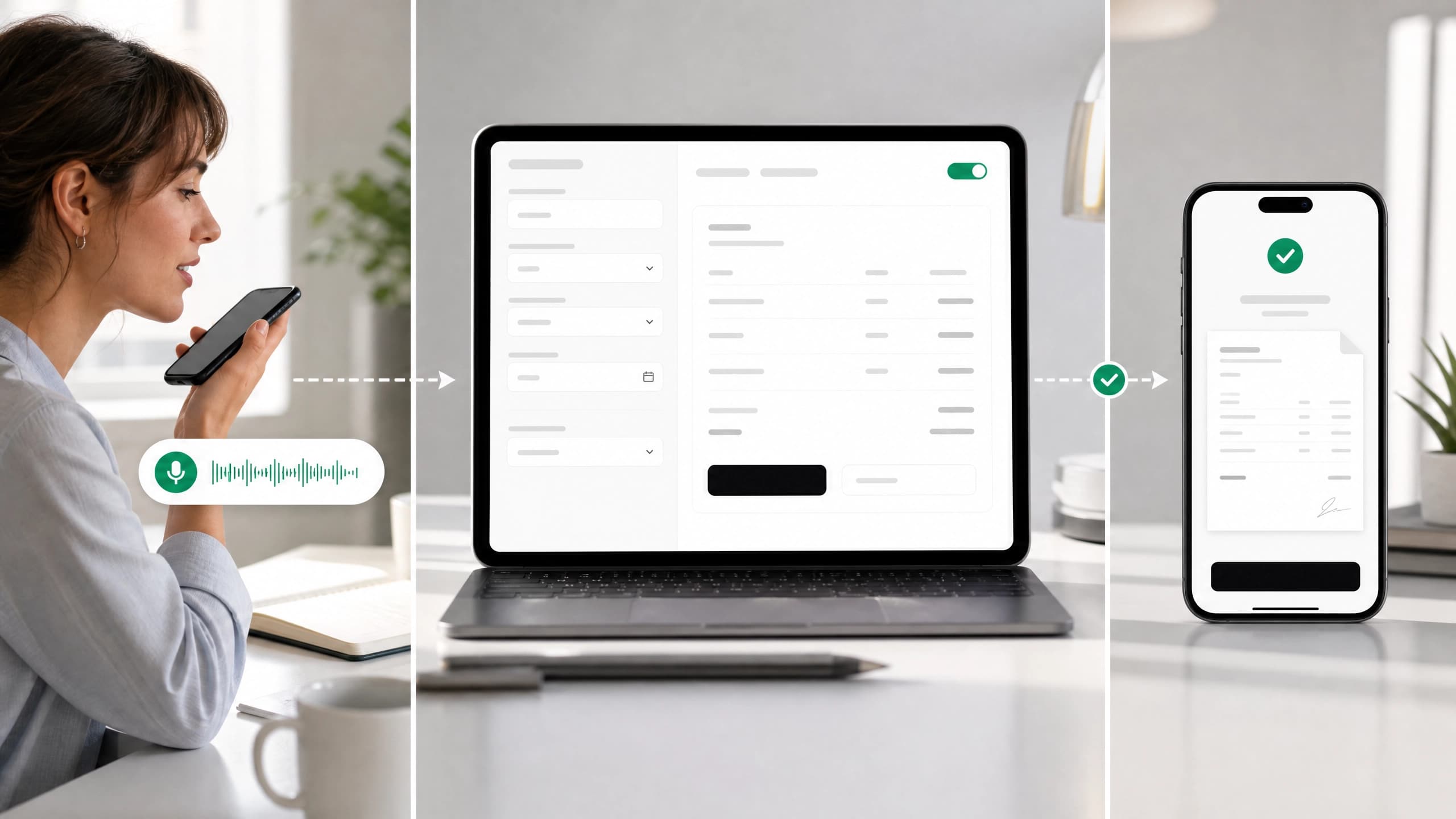
Client, work, price, and tax detected
Free no-save demo
3 free demos per session
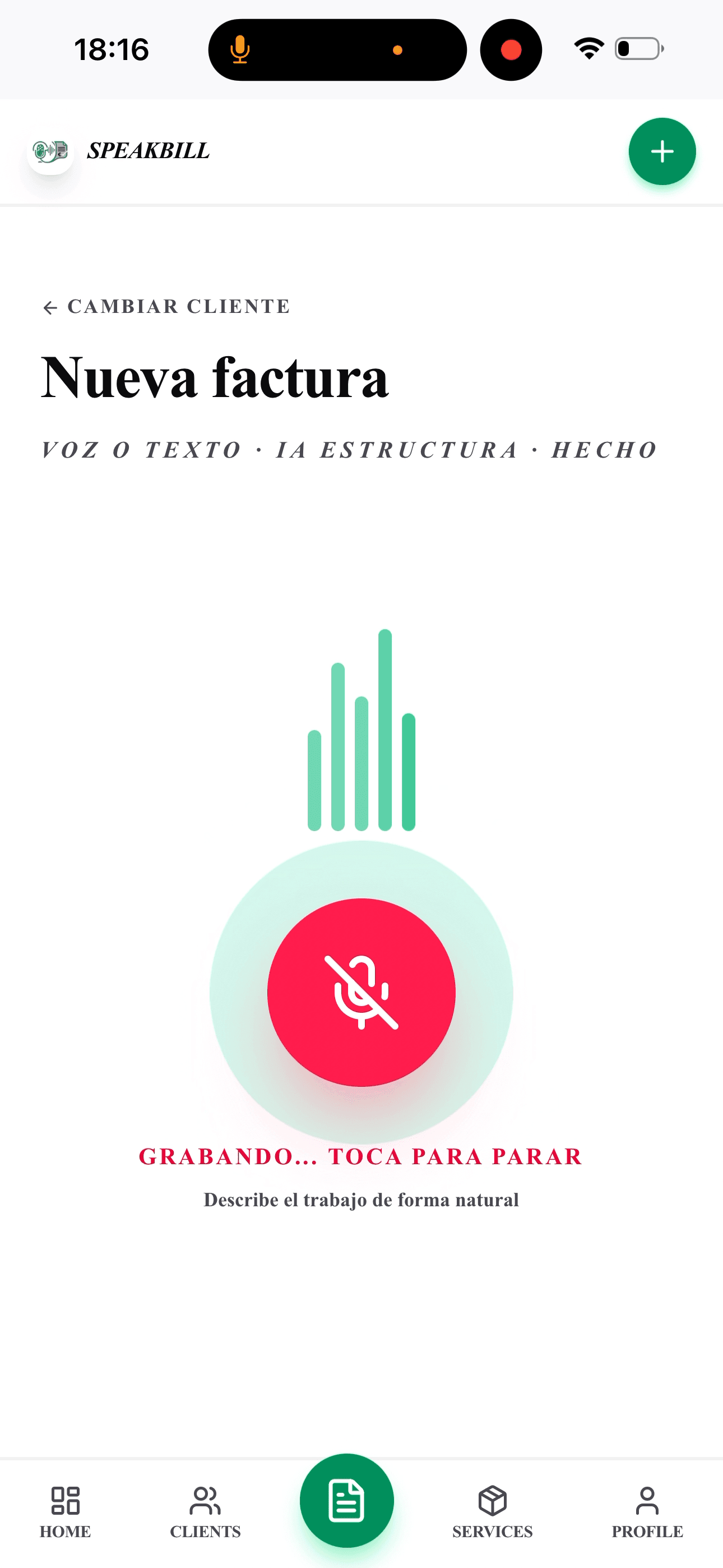
Say who the invoice is for, what you did, and what to charge. This demo creates an editable invoice preview only. Nothing is saved or sent.
Try saying this
Invoice Austin Coffee Co. for website updates, 2 hours at $75 an hour, with 8.25% tax.
Demo invoices are not saved, sent, or added to your account.
The whole workflow
Step 1
Client, work, hours, parts, price, tax, and notes can all be spoken naturally.
Step 2
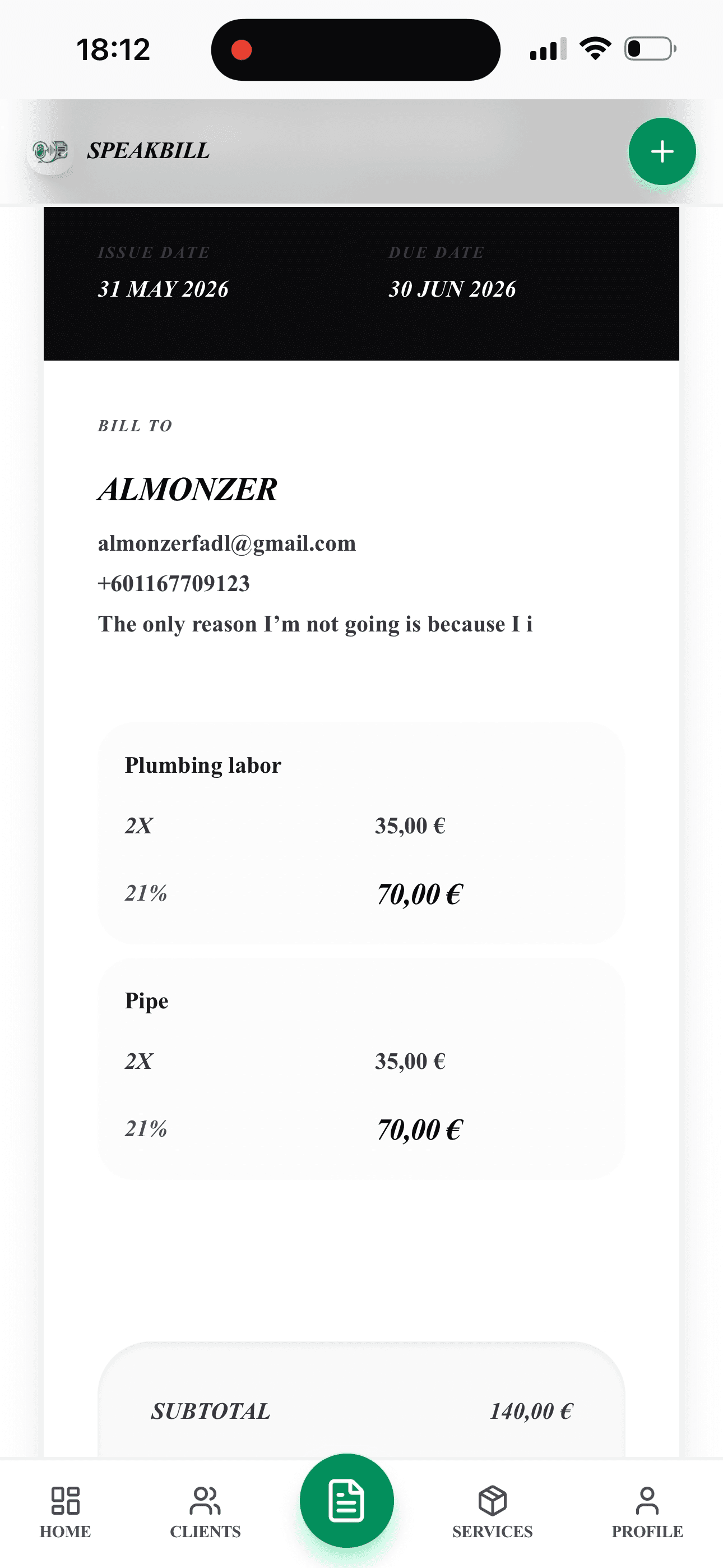
Edit every field before anything is saved, downloaded, or sent.
Step 3
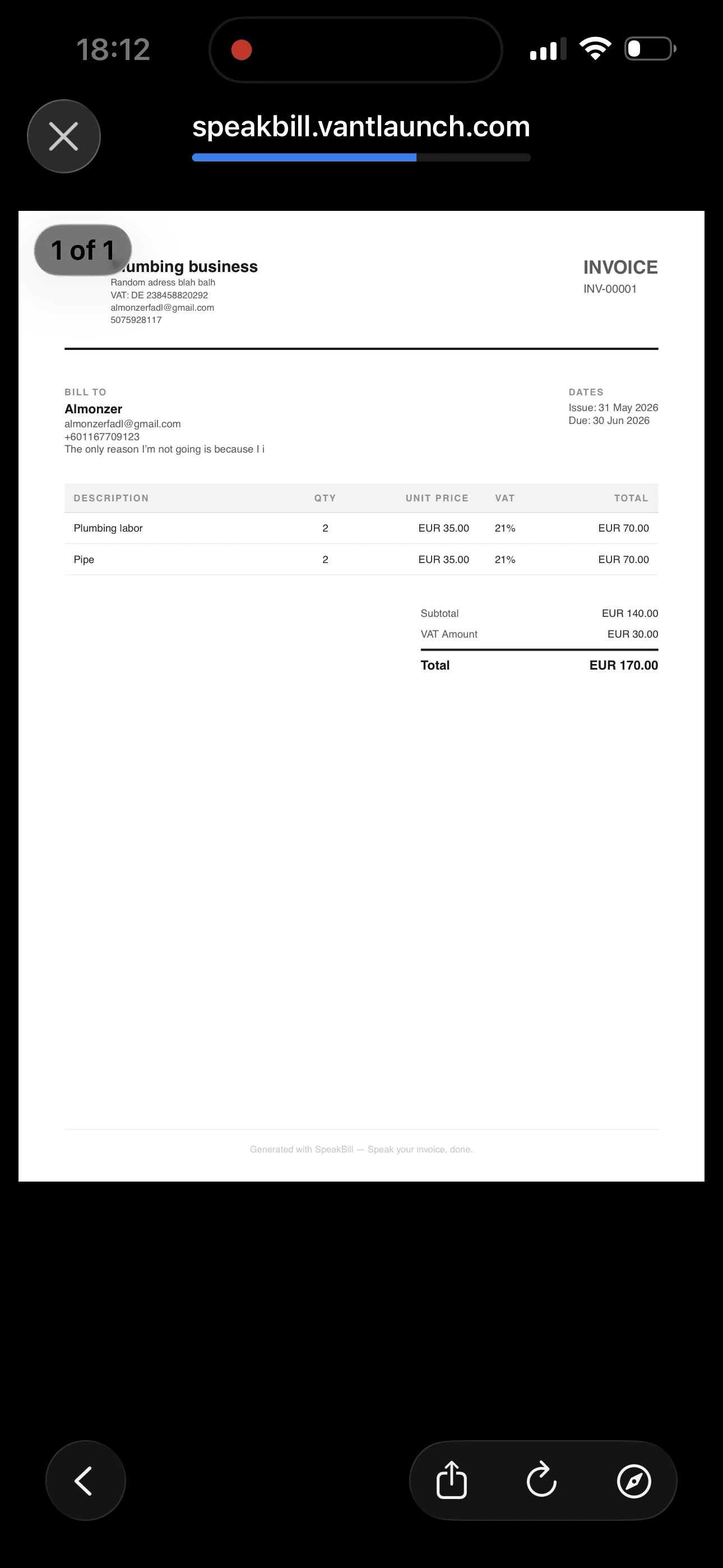
Create the invoice, download the PDF, email it, or share it with the client.

Why it sells
SpeakBill is not trying to replace accounting software. It gives client-facing workers a fast way to create the invoice while the job details are still fresh.
Create invoices while the details are fresh, not hours later at your desk.
USD, editable sales tax, client records, invoice statuses, and PDF exports.
SpeakBill structures the invoice, but you review and control the final version.
Keep repeat clients, invoices, PDFs, totals, and payment status organized.

Product proof
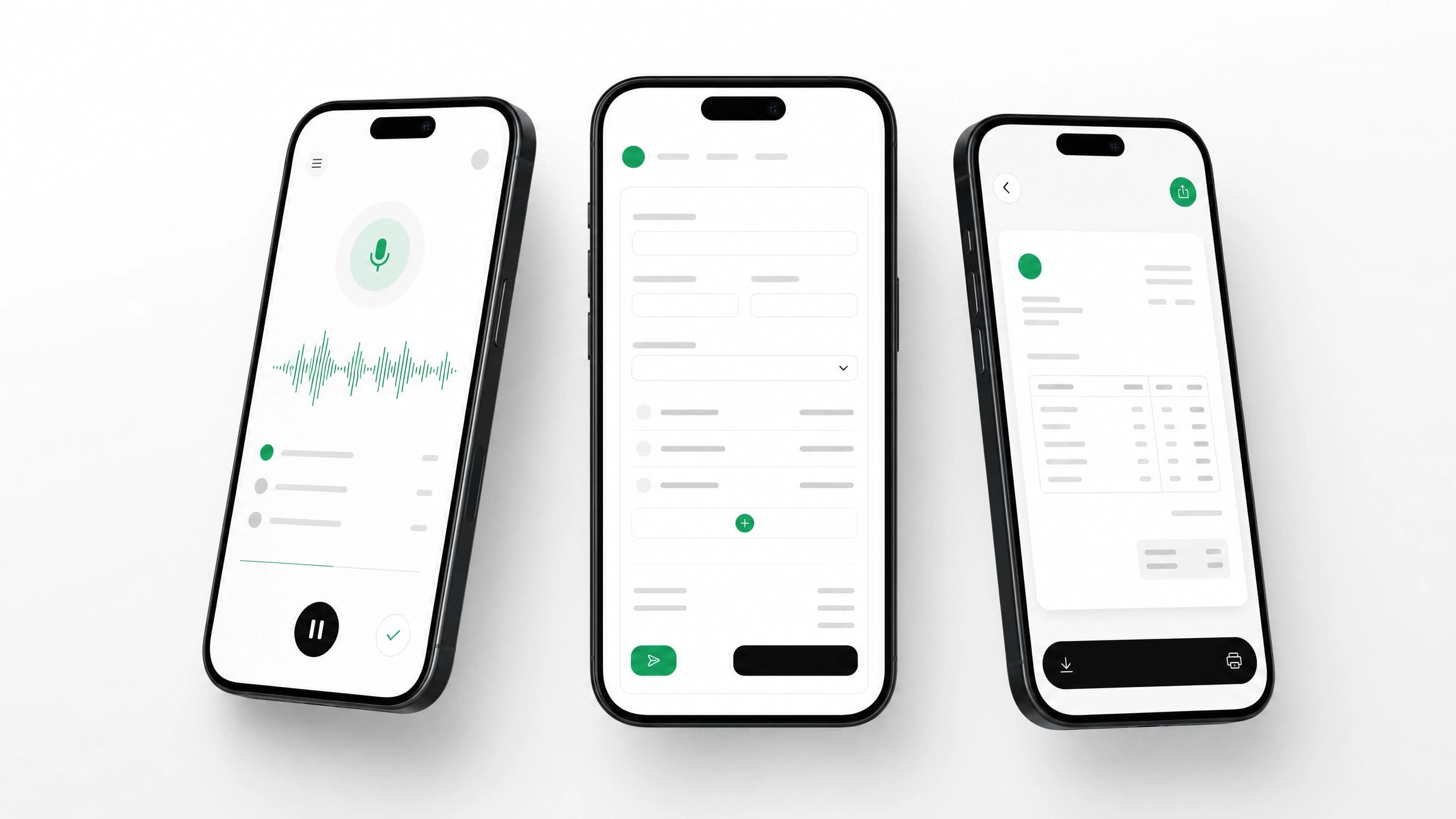
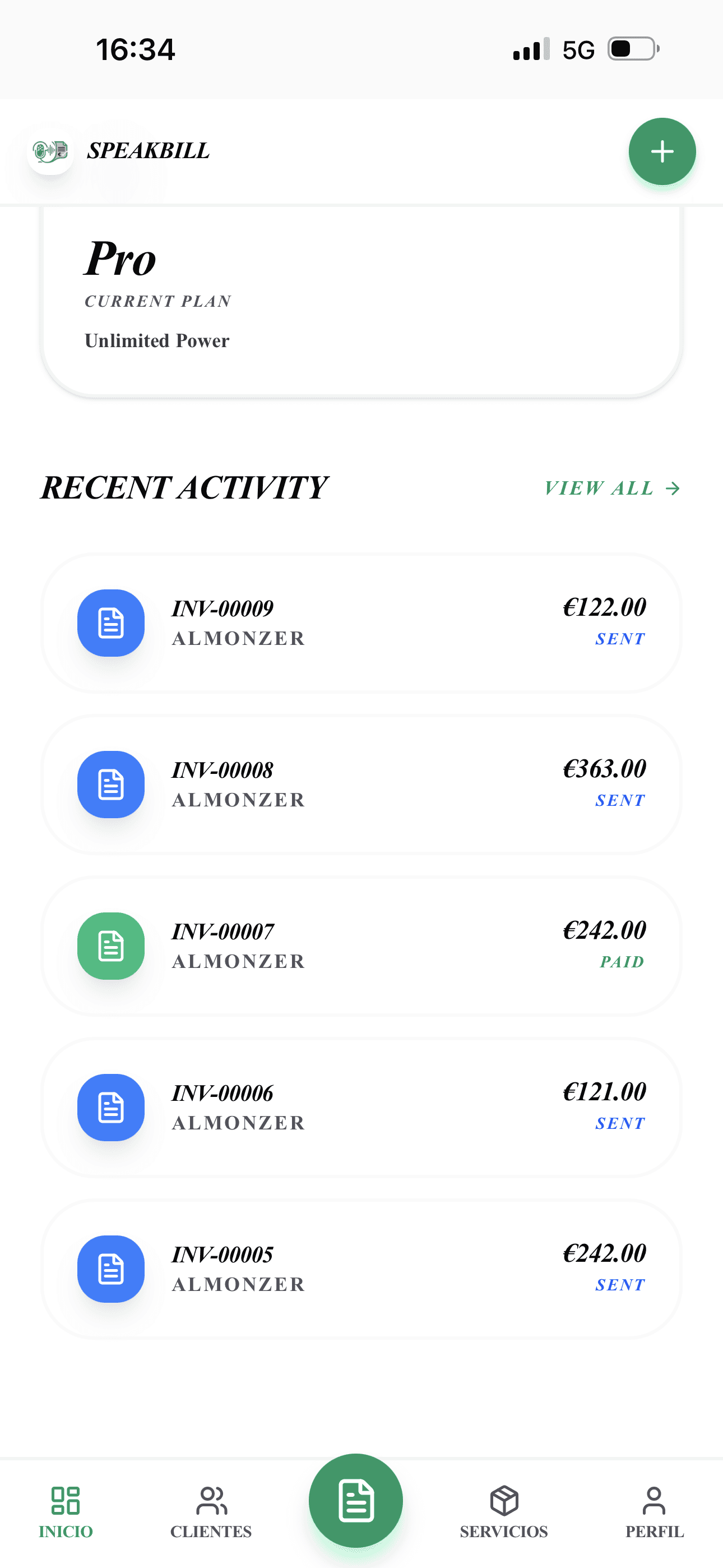
Voice input, editable draft, PDF output, and invoice history are already in the product.

Speak the invoice

Review the draft

Download the PDF

Track client history
Who it is for
The product works for anyone who invoices clients, but these segments make the fastest landing pages, ads, and sales conversations.

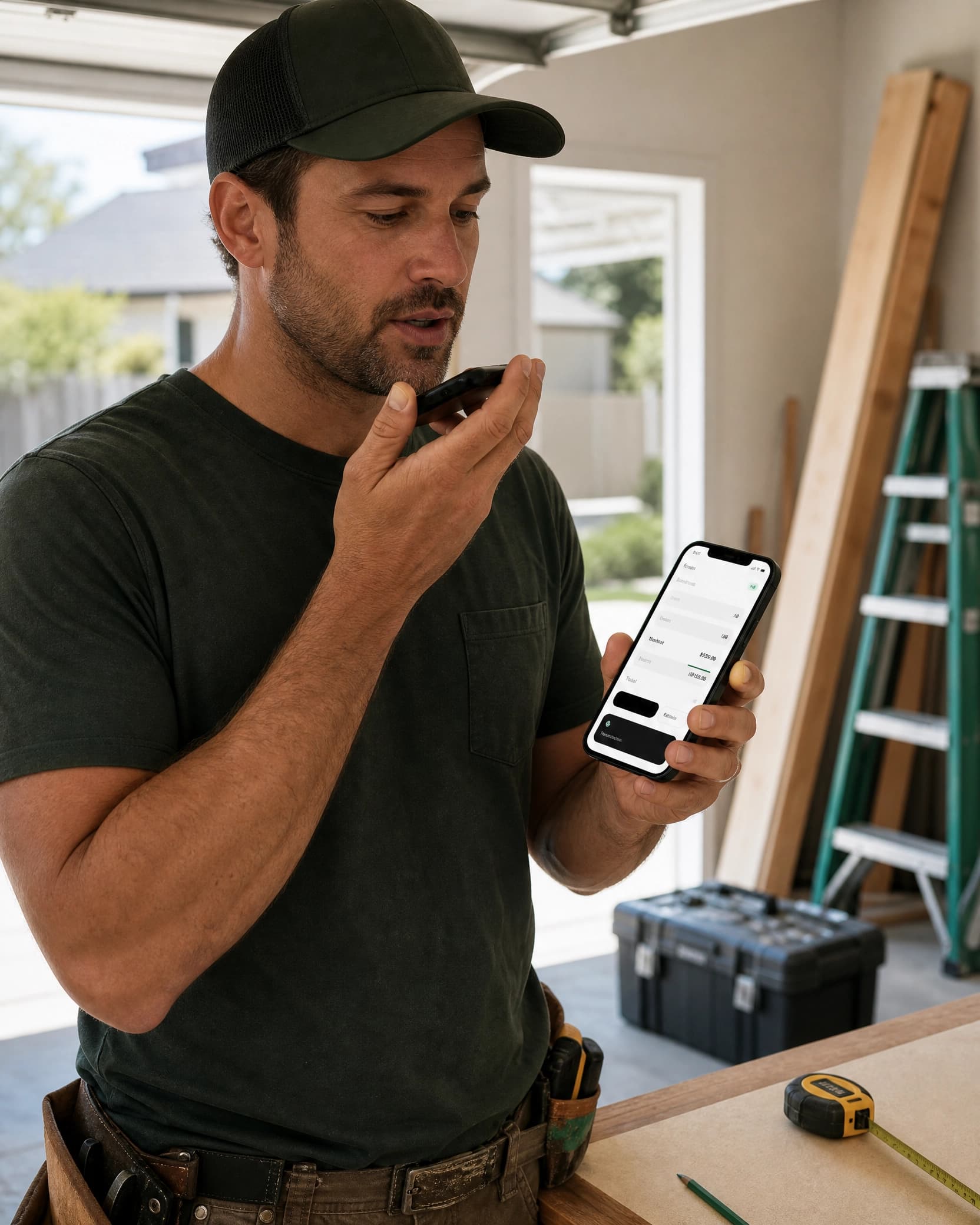
Itemize labor, materials, and sales tax before leaving the job.

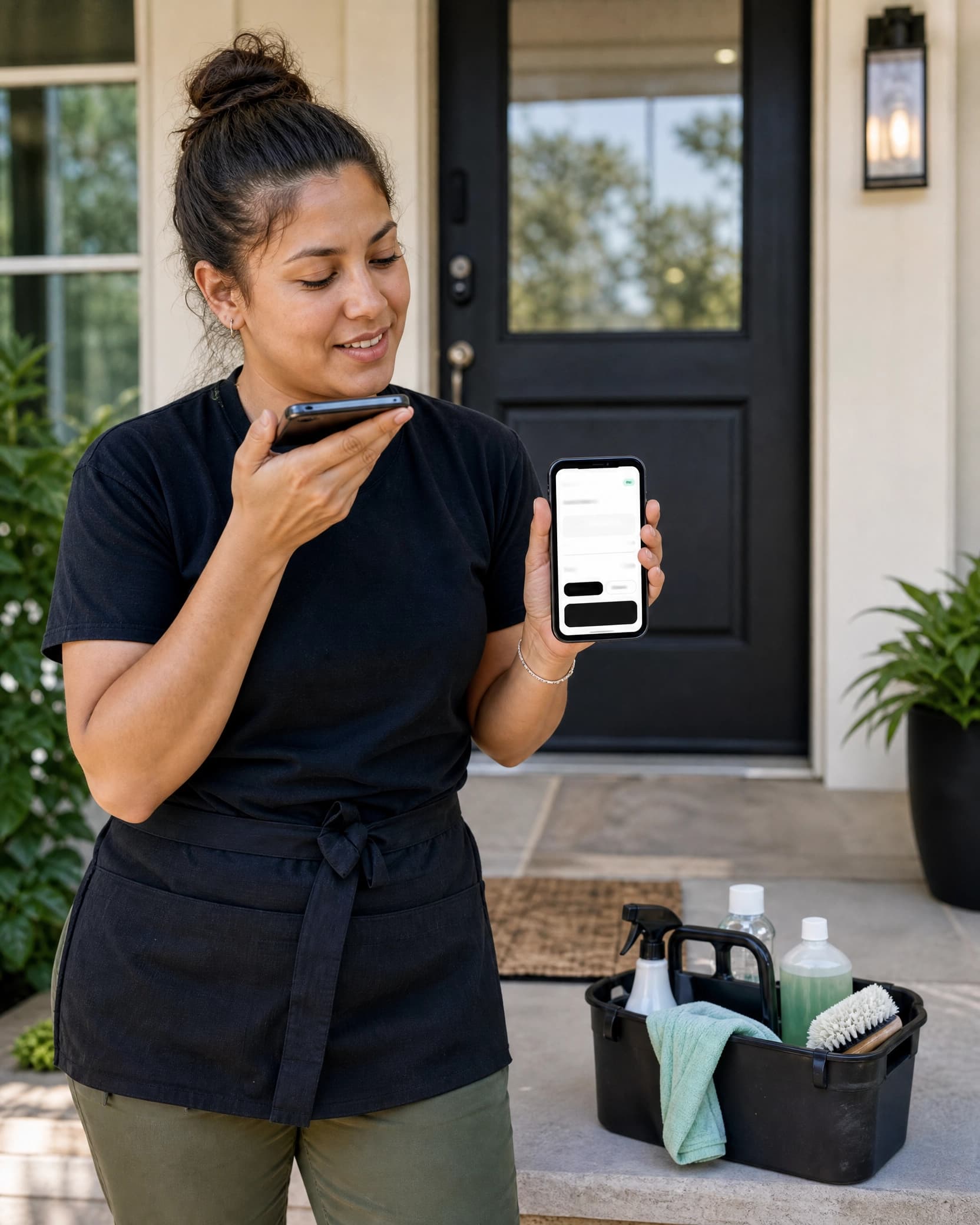
Send the invoice between houses instead of doing paperwork at night.

Turn project notes, hours, and flat fees into a polished PDF.

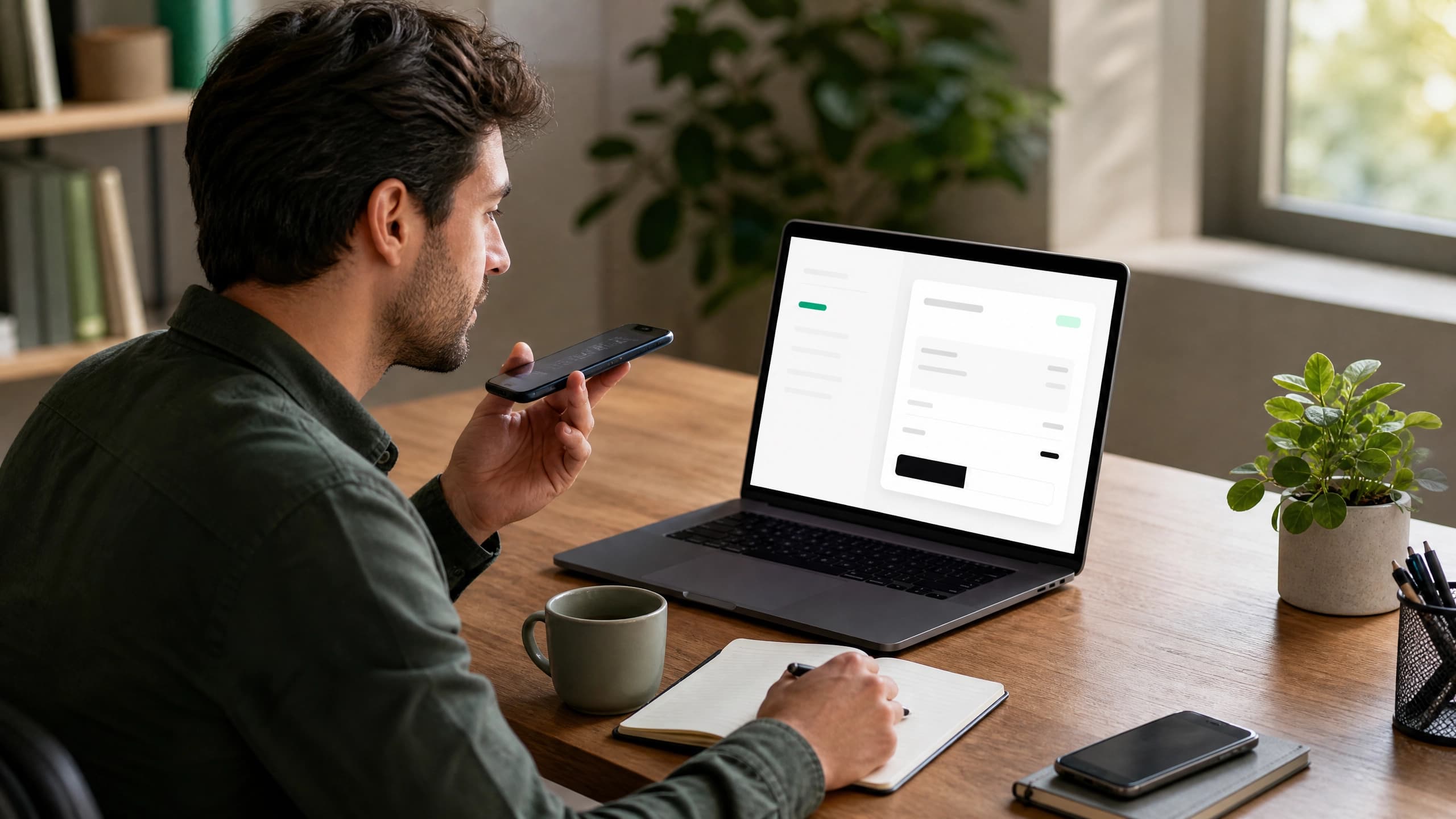
Bill consulting hours and retainers by voice. Clean, professional PDFs.

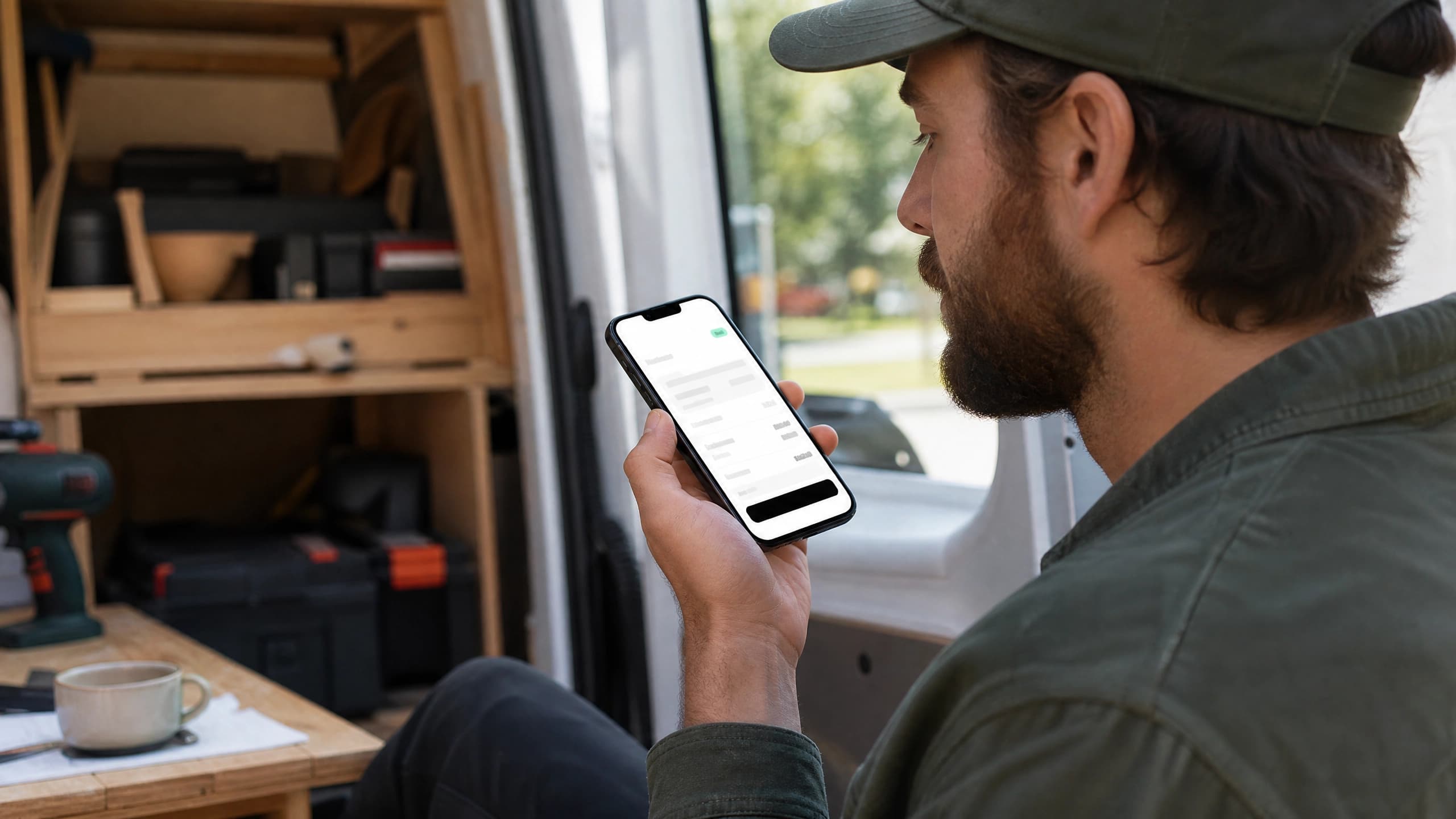
Invoice from the van, parts and labor itemized in one voice command.

Bill for emergency repairs, installs, and service calls from the truck.

Invoice panel upgrades, fixture installs, and service calls before you leave.

One invoice for multiple repairs, installations, and odd jobs.

Bill shoots, editing, prints, and licensing between sessions.

Invoice mowing, planting, and hardscaping from the job site.
Pricing
All prices in USD. Cancel anytime.
Get started with no commitment.
For people who send invoices every month.
For busy businesses sending invoices often.

Trust and control
AI is useful only if the business owner stays in control. SpeakBill keeps the review step visible and makes the final invoice your decision.
You review every invoice before it is created or sent.
Invoices are saved securely and ready to download as PDFs.
Editable sales tax, notes, client details, and line items.
FAQ
Yes. The free plan includes 3 real invoices per month and does not require a credit card.
No. SpeakBill creates an editable draft. You review it before saving, downloading, emailing, or sharing.
Yes. You can save a default sales tax rate and edit tax on each invoice. SpeakBill does not provide tax advice.
Yes. The workflow is designed for phone-first invoice creation, review, and sharing.
You can type the same invoice details. The parser works with typed or spoken invoice notes.
Pro includes custom branding. Free and Starter use a clean standard invoice template.
Start free, create 3 invoices every month, and upgrade only when invoicing becomes a regular part of your work.